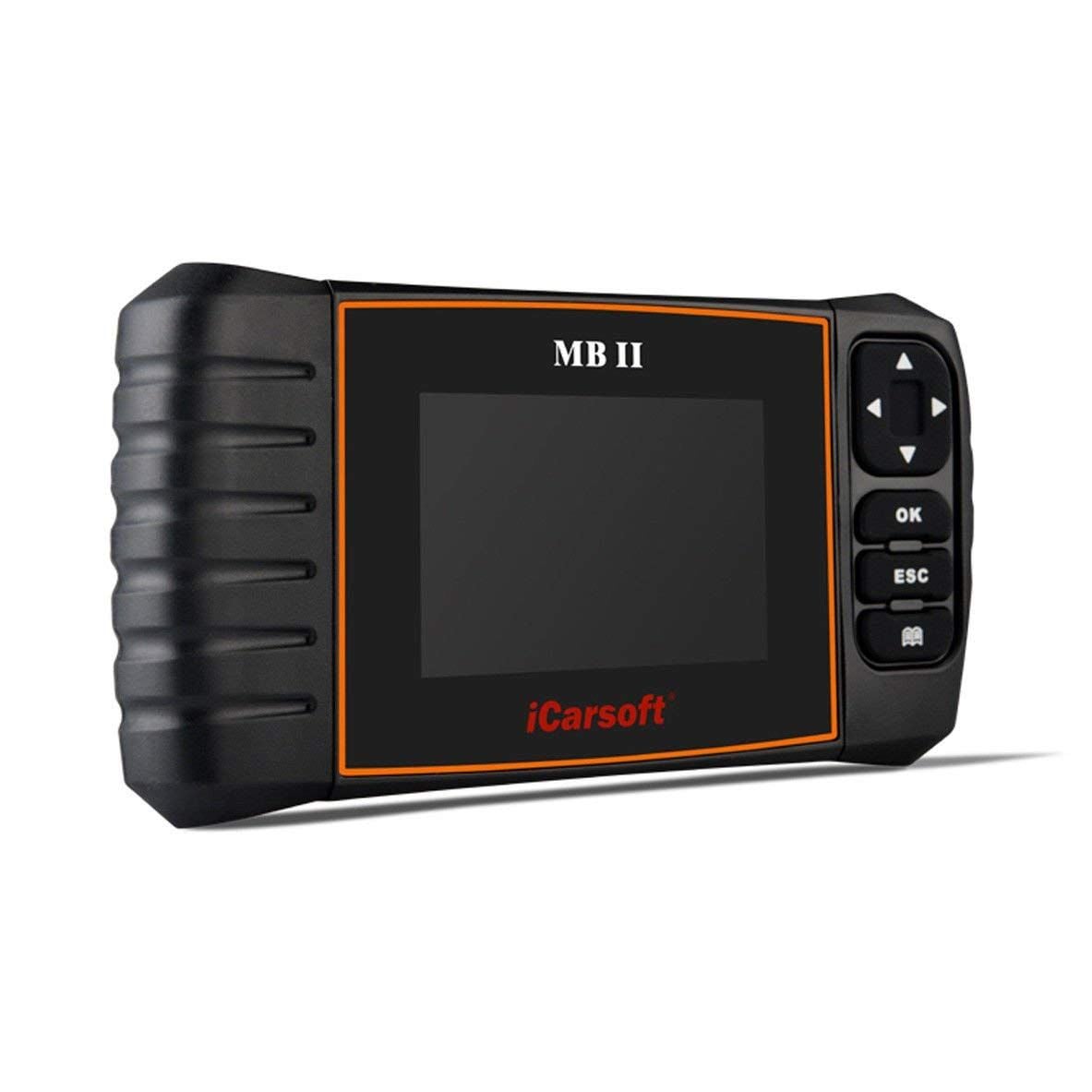

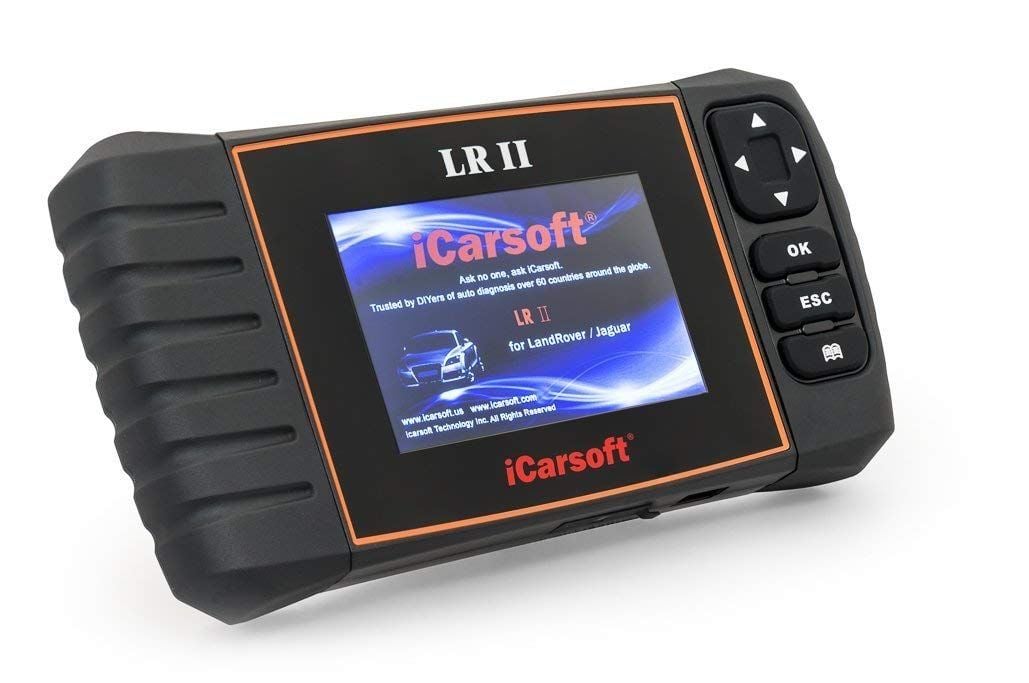
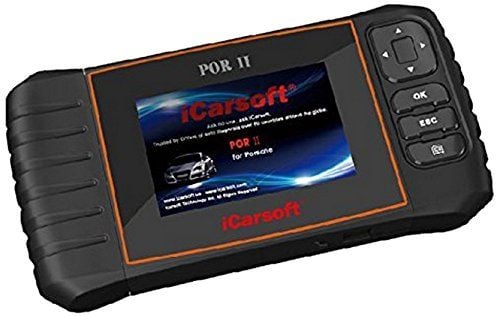



iCarsoft MB II Mercedes-Benz Diagnostic Tool is a handheld vehicle scanner designed to identify and clear fault codes before repair work begins. Built for Mercedes-Benz models sold in the U.S. and Asia after 1996, this diagnostic device communicates with major vehicle systems, including engine, transmission, ABS, and airbag modules.
The tool supports both OBDII and EOBD protocols and offers ten diagnostic modes. It can read and clear trouble codes, display live data streams, perform full ECU diagnostics, and reset service lights. Additional functions include electronic parking brake activation and deactivation for service procedures and the ability to initiate DPF regeneration when supported by the vehicle. An integrated screen and silicone keypad allow users to navigate menus and results directly from the device without external software.
What Is Included
- 1 Main unit
- 1 Main diagnostic cable
- 1 User manual
- 1 USB cable
- 1 TF card
- 1 TF card reader
Frequently Asked Questions
| Question: Why does the system stop when reading the data stream? | Answer: The connector may not be fully secured. Turn off the device, reconnect the cable firmly, and restart the tool. |
| Question: Why does the screen flash when the ignition starts? | Answer: This may occur due to electromagnetic interference and is considered normal during engine start. |
| Question: Why is there no response from the onboard computer? | Answer: Confirm proper power supply voltage, ensure the throttle is closed, the transmission is in neutral, and the engine temperature is within operating range. |
| Question: Why are multiple fault codes displayed? | Answer: This may result from poor connection or an issue with circuit grounding. |
How to Use
- Connect the device to the vehicle data link connector.
- Press the OK button and select “Diagnose.”
- Select the vehicle manufacturer.
- Select the vehicle model.
- Select the test system.
- Choose automatic scan or manual selection.
- Wait for the scan to complete and review results.
Features and Benefits
- Reads and clears system trouble codes
- Supports OBDII and EOBD protocols
- Ten diagnostic operation modes
- Displays live vehicle data
- Performs full ECU diagnostics
- Resets service indicator lights
- Activates and deactivates EPB systems
- Initiates DPF regeneration
- Integrated screen for direct viewing
- Silicone keypad for navigation
Product Specifications
- Manufacturer: iCarsoft
- Operating temperature range: 32°F to 122°F
- Storage temperature range: -4°F to 158°F
- Color: Black
- Application: Mercedes-Benz vehicle diagnostics
Manuals and Documents
-
 Product Manual contains user instructions.
Product Videos
Mercedes iCarsoft MB II Automatic Scan (4:23 minutes)
Login and Registration Form